Naira, dollars, pounds, euros.
Invoice a customer in London in pounds and one in Lagos in naira. Each total stays in its own currency.
Naira₦450,000.00
Dollars$5,400.00
Pounds£1,950.00
Euros€1,200.00

Create professional invoices in under 60 seconds. Track deposits, payments and outstanding balances, all from your phone. Free, no card required.
Create your first invoicePick who it is for, add the work and the price, and ClientFlow adds up the total. Then send it as a PDF on WhatsApp or email.
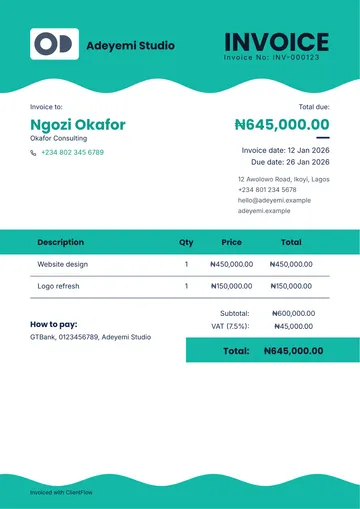
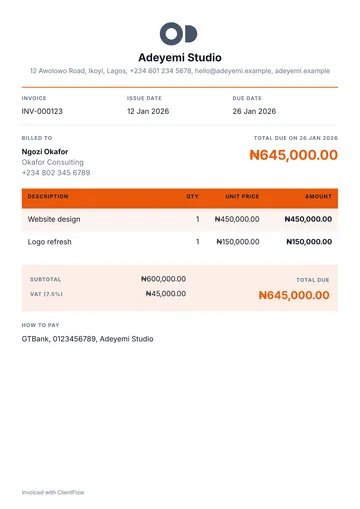
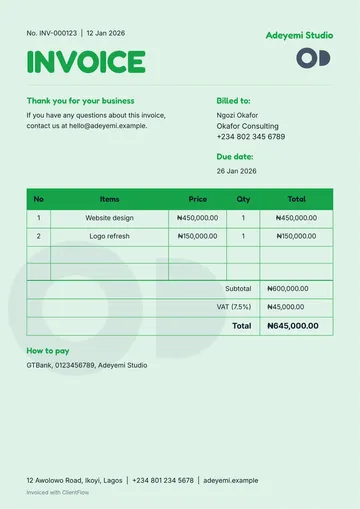
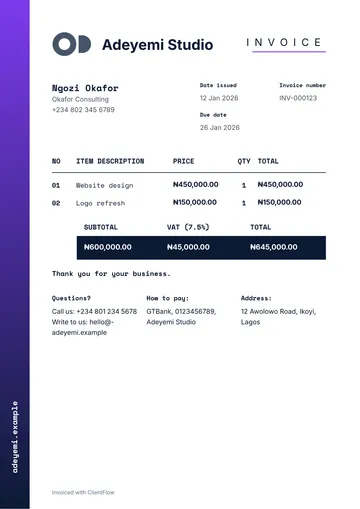
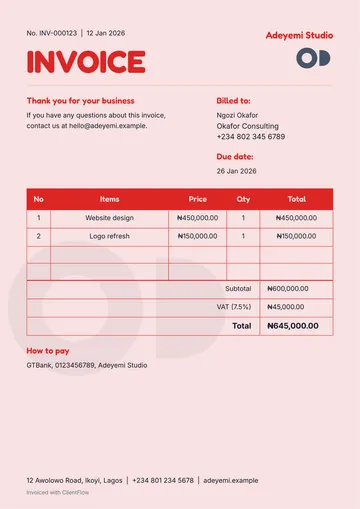
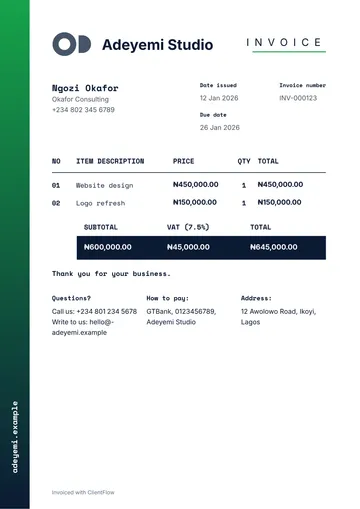
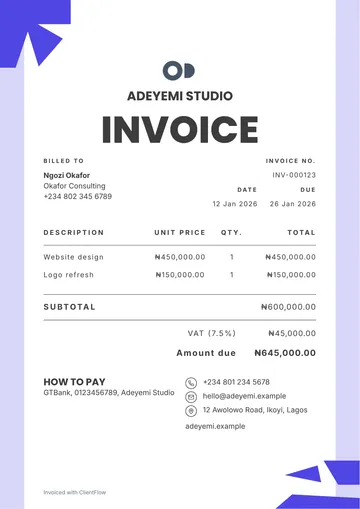
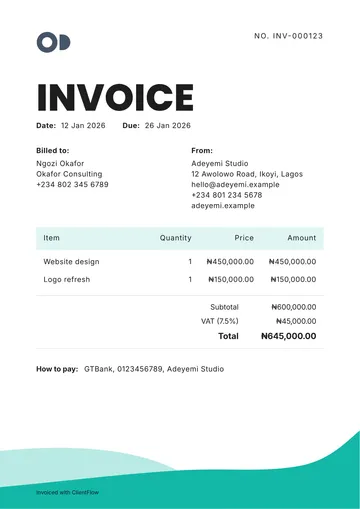
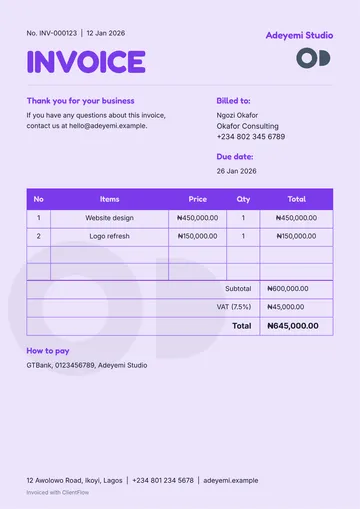
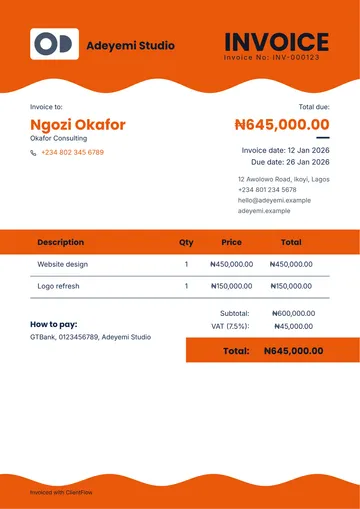
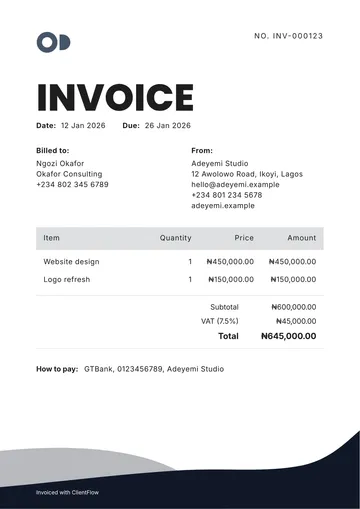
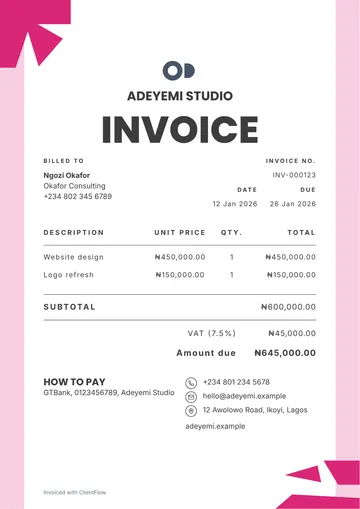
Pick a template and an accent colour. Your logo goes on every PDF your customer gets.
Write “Invoice Sarah for 3 posts at 40k each” and the assistant fills in the invoice for you to check. Nothing is saved until you tap to confirm.
Customers who pay in parts, in different currencies, and want the invoice on WhatsApp. ClientFlow handles all of it.
Invoice a customer in London in pounds and one in Lagos in naira. Each total stays in its own currency.
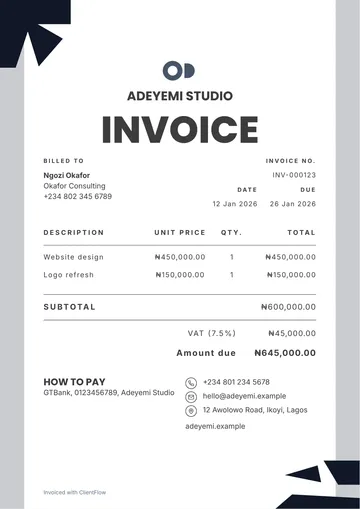
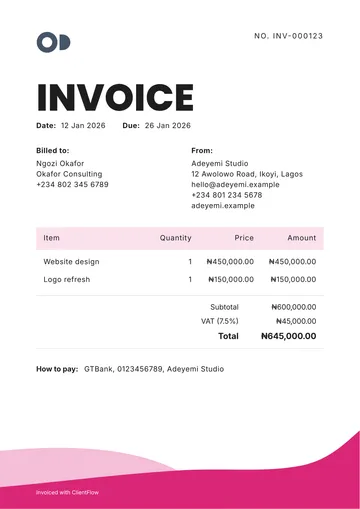
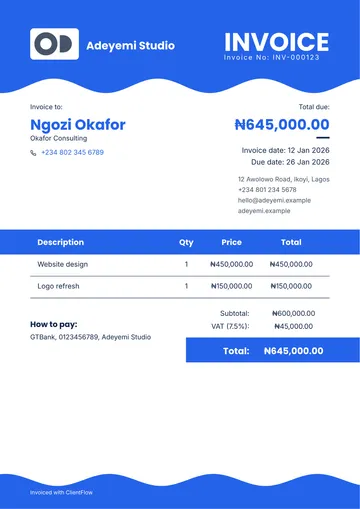
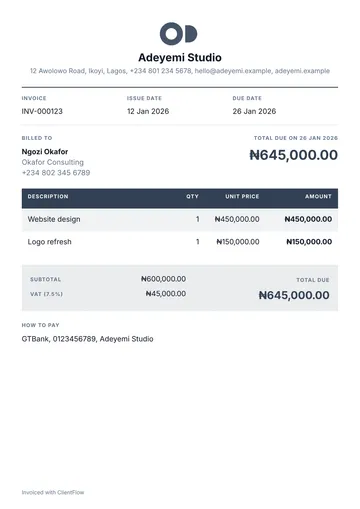
Your logo, a clean template and your colour on every PDF, so it looks like it came from a real business.

Know which invoices are paid, partly paid or late, without scrolling through chats.
ClientFlow reminds you when an invoice is due soon or overdue, and emails your customer too. You can turn customer reminders off.
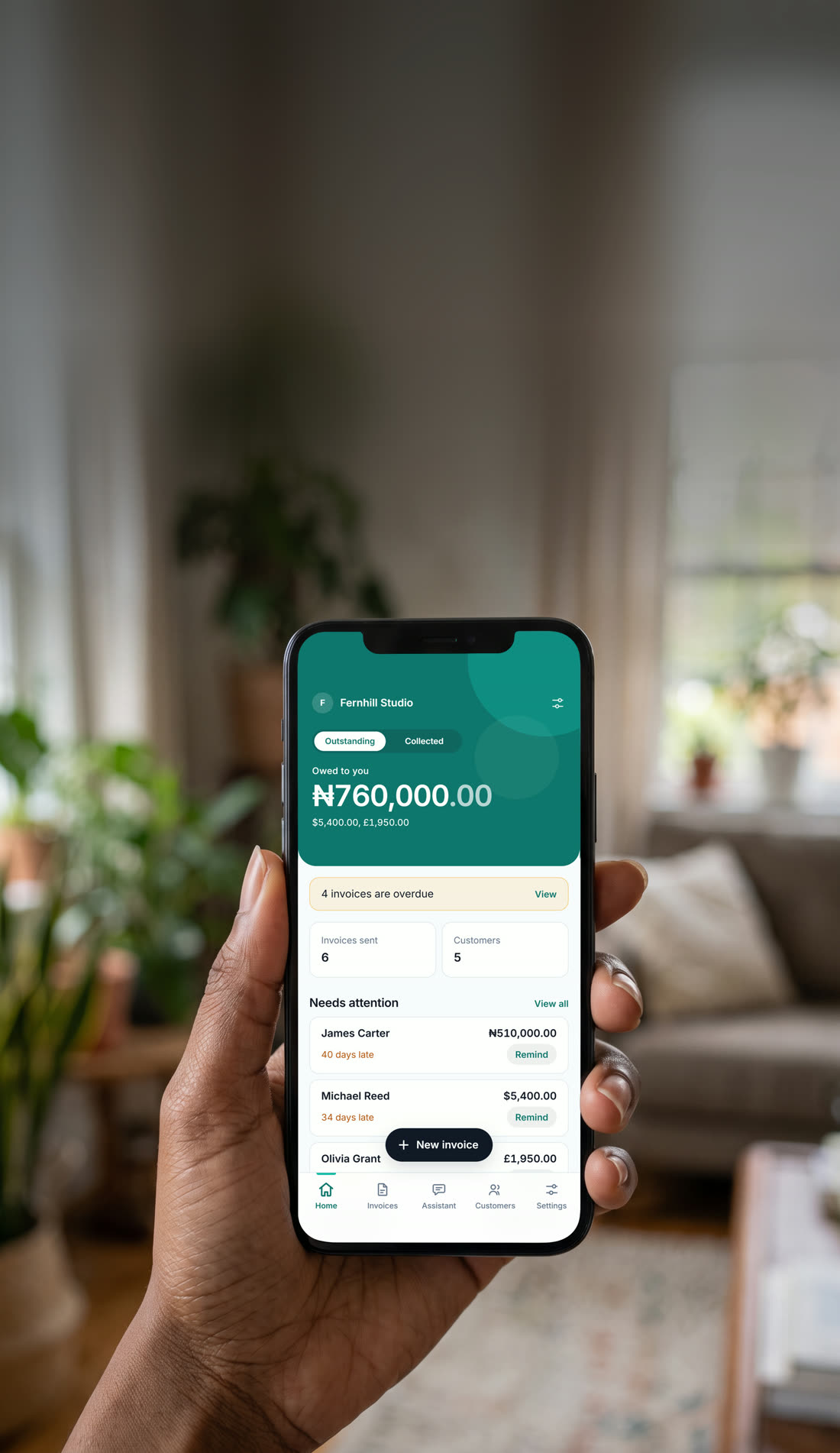
Home shows what you are owed and what you have collected, by currency.
A customer asks about last month's invoice? Search their name or the number and it is there.
Download everything you have in ClientFlow as a file, and close your own account whenever you choose.
Registration was seamless, unlike other apps that require you to go through a lot of onboarding. The app runs smoothly, and creating my first invoice was quick and easy.
ClientFlow makes it easy to send professional invoices to my customers. It gives me a simple way to create invoices and present my business professionally.
The app is simple to use, and I was able to get my invoice done quickly. It makes the whole process straightforward.
I really like the application, especially knowing that it was built by a Nigerian. It’s great to see a product like this being built locally, and I’m happy with the app.
I really like the invoice templates. They look good, and the invoices display beautifully on mobile phones.
Unlike traditional invoices that are mainly designed like standard A4 documents, ClientFlow creates invoices that work well on mobile phones. Since most of my customers receive invoices on their phones, I like that the invoices are easy to open, read, and understand.
I really like the automatic payment reminders feature. I didn’t even know the app could remind both me and my customer when an invoice is due or approaching its due date. I received a reminder about a payment I needed to collect, which helped me remember to follow up. It’s a really useful feature.
Yes. Free, no card.
Naira, US dollars, pounds and euros. Each invoice has one currency, and your totals are shown per currency, never converted.
Share it as a PDF or an image through WhatsApp, email or anything your phone can share to.
Yes. Record deposits and part payments in one tap, and the invoice shows what is paid and what is left.
No. You record the payments your customers make to you. ClientFlow never takes, holds or moves money.
Yes. Your logo, a template and your accent colour go on every PDF.
Put ClientFlow on your phone from Get the app, and it opens full screen from its own icon. The Android app is in testing, and you can apply to test it.
Yes. Download everything as a file, and close your own account whenever you choose. How to delete an account.